
It’s been about 6 months since I first launched my Buenos Aires guide on Rexby.
Since then more than 500 travelers have used the guide – including its interactive map and detailed self-guided walks – to discover Buenos Aires like a local. It has only received stellar 5 star reviews.
Since then I’ve also launched another Rexby guide for Patagonia, slowly building it one destination at a time with the goal of covering Argentina’s Patagonia in its entirety.
But, for some reason, I’ve never taken the time to write a post here on the blog about these guides.
That moment is now. If you’re wondering what is Rexby? Is the the guide worthwhile when I have 200+ free articles on the blog? How do I access it and use the guide? What does it REALLY include?
I’m using this post to really explain what these maps and guides are. There are step by step tutorials, list of what they include, and helpful screenshots. (There is also a helpful discount code at the end, stick around!).
QUICK NOTE: This post contains affiliate links and Sol Salute may receive a commission for purchases made through these links, at no extra cost to you.
What is Rexby and Why?
Rexby is a platform creators like me can use to create interactive travel guides. These guides are products for sale. Creators set their own prices based on the value of each guide (usually depending on how much information it includes and the destination).
I admit I was hesitant to create a product on a platform like this. Since I founded this blog I have written and published everything on my own website.
But I had been wanting to find a way to create a map of Buenos Aires. I mean, you should see my personal Google map. It is a gold mine of pins that I always add to and reference whenever I explore the city.
Adding pins to a Google map is also the first phase of how I plan my own trips. I find hikes, restaurants, murals, and hidden gems and pin them to a map to get oriented and figure out how I can put together an itinerary.
The founder of Rexby contacted me when I was in the midst of trying to figure out how to offer you all paid access to a map. Creating a map on Google Maps felt clunky and unprofessional.
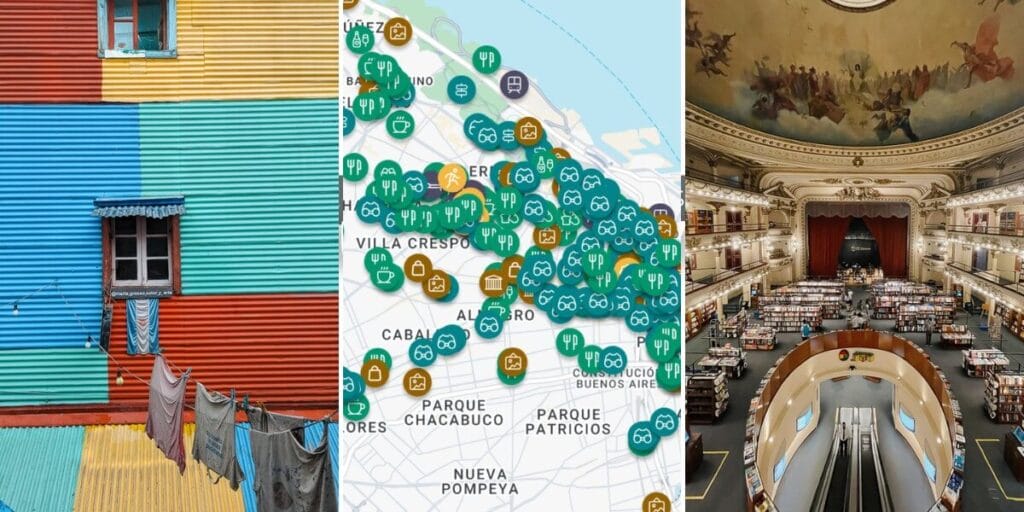
Rexby’s platform is polished. The map is aesthetically pleasing (admit it, it matters) and it is easy to navigate. I can add all the pins I wanted to add and also include my own photos and my own detailed description on how to visit each pinned location.
I’m obsessed.
Each pin is almost its own mini blog post.
And beyond just the map, I can use these pins to piece together itineraries and walking routes. The user can do this too. For me, it was music to my ears.
I signed up immediately and got to work on my Buenos Aires guide on Rexby.
Since then it has sold over 400 copies and the reviews speak for themselves:


FAQ: How to purchase, download, and use the guides
To purchase my guides on Rexby, visit my storefront of their website or app.
From here you can click on either my Buenos Aires or Patagonia guide for a preview and detailed description of what it includes. If you want to purchase, then click get access and go through the steps to purchase the guide.
How to access your Rexby guide? Use your log in information to access the purchased guide on Rexby’s website on your desktop or download the Rexby app to your phone (on iTunes and Google Play). Once logged in, click on My Purchases to located the guide.
How to download the guide for offline access? Before your trip, download the guide for offline use to ensure you’ll always have access to your map while traveling. Within the app, go to the purchases tab. Where you see my face and guide, click the download button (a circle with a downwards pointing arrow) and wait for it to finish downloading.
The big question, is it worth spending the $18 (hey, discount code at the end!) when you have almost 200 free travel guides on the blog? 100% yes. It is the perfect compliment. Use my blog posts to learn everything you need to know about Argentina and plan your trip. But remove overwhelm with this guide. Remove the stress of planning every single restaurant or cafe or mural, use the map to fill in those gaps. The guides are also full of detailed itineraries!
Tips for getting the most out of your guide:
- When you open the guide you’ll see all 330 things to do in a grid view, showcasing the photos of each place. Click map view to see all of these items pinned to the map.
- Filters: Click filter to see all of the tags I’ve included to categorize the things to do. You can use the apps generic filters like “eat and drink” or “hotel” but I recommend getting more granular with my tags. I’ve tagged my favorite leather shops, empanadas, family friendly sites and playgrounds, ice cream, and more.
- Heart/Favorite Things to do: As you explore the guide, you can heart things to favorite them. When you’re in the “thing to do” you’ll see the heart just under the photos by the name. Mark specific places and tours you don’t want to forget!
- See things to do nearby: When you’re here exploring, don’t forget to reference the app and see things to do nearby to make sure you don’t miss anything like the best medialuna of your life, a hidden Messi mural, or quirky monuments.
- If you feel stressed out trying to plan every single meal and shop in advance, take it easy. Explore the city and when you’re hungry, check the map. I promise I’ll have a great recommendation nearby.
Buenos Aires Map & Guide: What It Includes
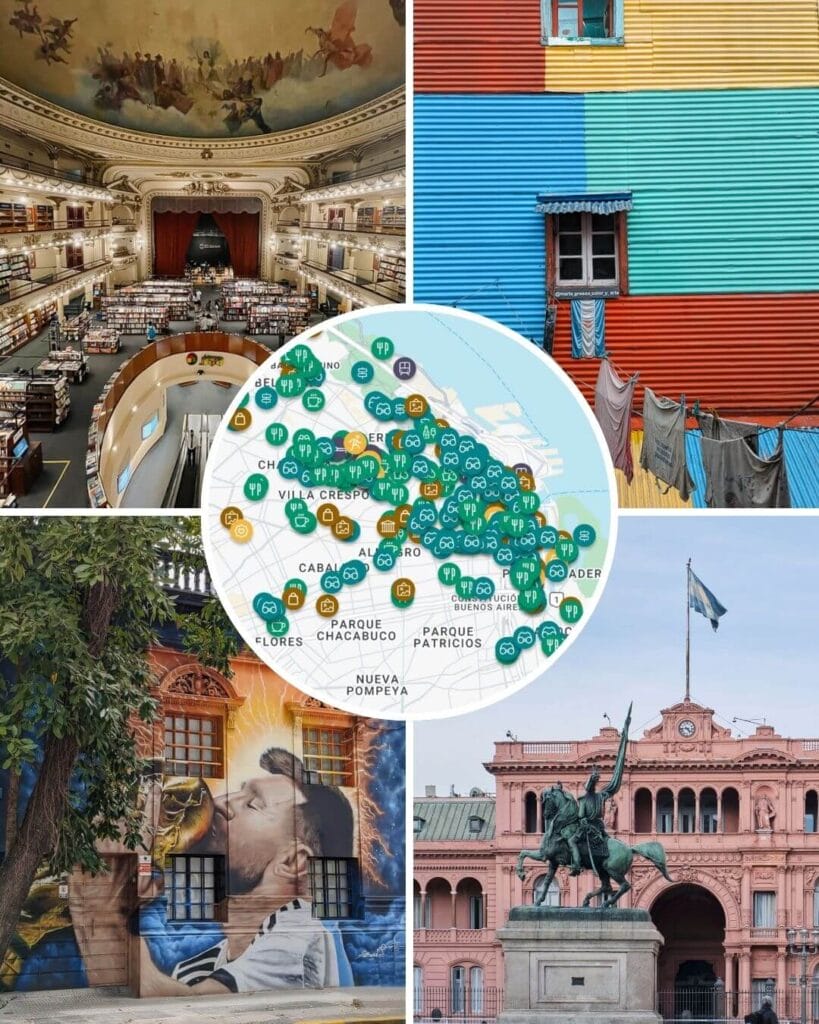
My Buenos Aires guide compiles everything I’ve ever shared on this blog and on my Instagram account in one interactive map.
It makes planning your trip less stressful and navigating the city once you’re here a piece of cake.
- 330 things to do, each with history, basic information and tips, all pinned on an interactive map.
- 10 days of itineraries & self-guided walks.
- 2 blog style articles with practical tips
- Offline access to use the map as you tour the city.
- Links to all hotels & tours
- Ability to share access with one friend/travel buddy.
- Lifetime access
✨Bonus: I will always be adding new spots and updating this guide. By buying this guide now, you will automatically get access to all future updates.

Patagonia Map & Guide: What It Includes
My Patagonia map is an ambitious guide (Patagonia is enormous!). I initially launched it as a Bariloche guide and am slowly but surely adding to it – one destination at a time.
Buy now and get access to all future updates at the current price. The price will increase as the guide grows in content and value.
Currently, the following destinations are live on the guide (including a detailed and customizable itinerary for each).
- Bariloche
- Villa La Angostura
- San Martin de los Andes
- The 7 Lakes Route
- Puerto Madryn & region
- Peninsula Valdes
- El Calafate
- Coming soon: El Chalten & Ushuaia
- Coming later: El Bolson, Esquel, Trevelin, Piedra Parada/Gualjaina
What my Patagonia guide includes:
- 220+ things to do, each with history, basic information and tips, all pinned on an interactive map.
- The star of this guide: Detailed itineraries for every location.
- 2 blog style articles with practical tips
- Offline access to use the map as you tour off the grid in Patagonia.
- Ability to share access with one friend/travel buddy.
- Links to all hotels & tours
- Lifetime access
Get your map now: Reader Discount
Convinced? I know you won’t regret these maps.
Click the links below to purchase your guides and use the discount code WORTHIT for a 15% discount (code not valid during flash sales).
Argentina Travel Resources
- BOOK A CONSULTATION | I offer one-on-one travel consultations to help you plan your trip to Argentina. Pick my brain to get a local’s insight. Click here for more information.
- MY MAP | Buy my interactive map with 300+ pins to have access to the city as I see it. It is an invaluable resource. See more here about how it works.
- AIRPORT TRANSFERS | Having a driver waiting for you is ideal for a stress free arrival, Cesar and his team here is the best option for a driver from Ezeiza or Aeroparque, they are my go-to airport ride!
- TRAVEL INSURANCE | Always travel insured. Anything can happen anywhere and it is scarier and costlier in an unfamiliar country. SafetyWing’s Essential Plan covers unexpected travel and medical emergencies and even offers add-ons like electronics theft or adventure sports. It is the best if you’re coming on vacation. If you’re coming as a digital nomad or an extended stay, you need their Complete Nomad Plan which also covers routine check ups, maternity, mental healthcare and more. Read more: Health Insurance in Argentina
- PHONE PLAN | These days, traveling with data is essential. Especially in Argentina where everything is managed on Instagram and WhatsApp. I recommend this E-SIM card. It’s hassle-free and affordable, for more read how to get an Argentina sim card.
- ACCOMMODATION IN ARGENTINA | booking.com is the most common hotel site used in Argentina and it’s where you’ll find the most options.
- RENTAL CARS | I love using Discover Cars, it is a great platform to compare different rates and providers and I find they have responsive customer service.
- BUS TICKETS | Check Busbud for long distance bus routes and tickets.
- VPN | If you’ll be using a public WiFi connection and want to secure your data, I highly recommend using a VPN, I personally use and have had a good experience with ExpressVPN. I also use it to access Hulu and American Netflix from Argentina.
- FLIGHTS | Always check Google Flights and Skyscanner for flights to and within Argentina. Aerolineas Argentina is the local airline with the most routes. FlyBondi and Jetsmart are two budget airlines with dirt-cheap prices (but expect to pay for every add-on like luggage).
